
If you are a Safety Director, you know the feeling.
An auditor walks in, sits at your desk, and asks to see your "Limited Query Consent" files. You hand over a stack of crumpled papers—some scanned, some photographed on a dashboard, some coffee-stained.
The auditor looks at a signature from six months ago and asks: "Can you prove the driver actually signed this on this date?"
If you are using a generic PDF template you downloaded from Google, the answer is usually no.
"In 2026, 'Wet Ink' isn't enough. The FMCSA Clearinghouse rules are strict. To protect your safety rating (and avoid the $5,833 violation penalty), you need a Digital Audit Trail."
Here is the anatomy of a truly "Audit-Proof" consent form, based on the QuickConsent Standardized Compliance Document.
1The "Auth-ID" (Anti-Backdating Shield)
The oldest trick in the book is backdating a form to cover up a missed query. Auditors know this. That is why a simple signature is weak.
A compliant document needs a digital fingerprint. At the top of every QuickConsent form, we generate a unique Audit Trail Tracking code and Auth-ID. This alphanumeric code is permanently hardcoded into the file, proving the document was generated by a secure system, not typed up in Word 5 minutes before the audit started.
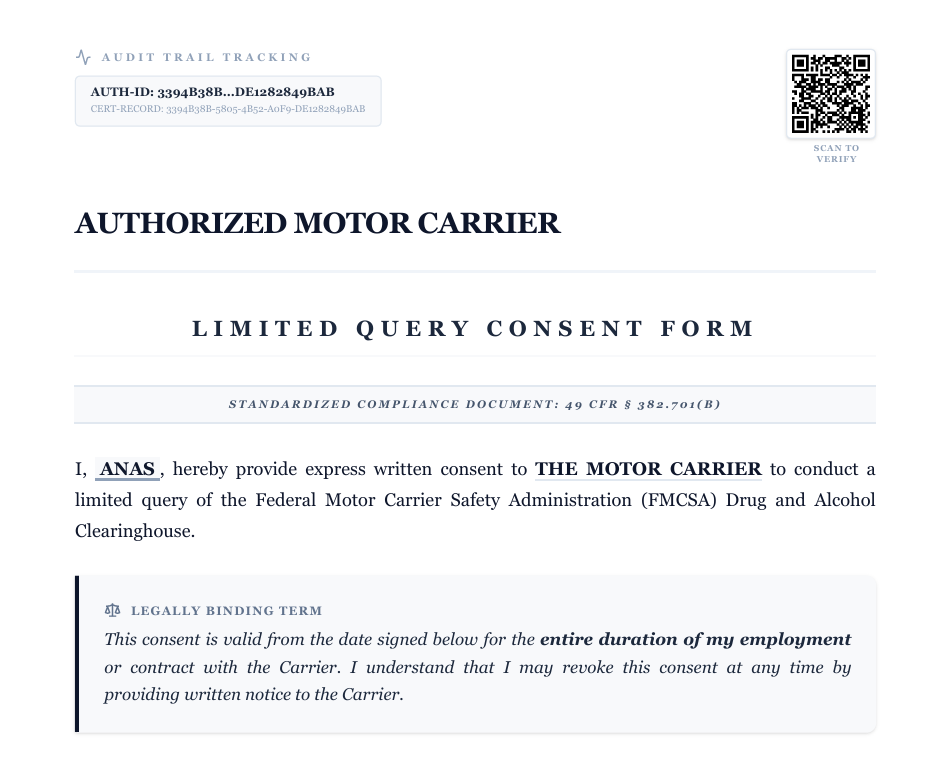
Evidence #1: The Auth-ID
Unique alphanumeric code permanently stamped on every document.
2The "IP Source" (Proof of Presence)
When a driver claims, "I didn't sign that," how do you defend yourself? Paper forms have no location data. Ours do.
We capture the Authenticated Timestamp (down to the minute) and the IP Source of the device used to sign. If your driver signed via their phone on the road, the document records the specific IP address (e.g., 103.125.177.132). This is your "smoking gun" evidence.
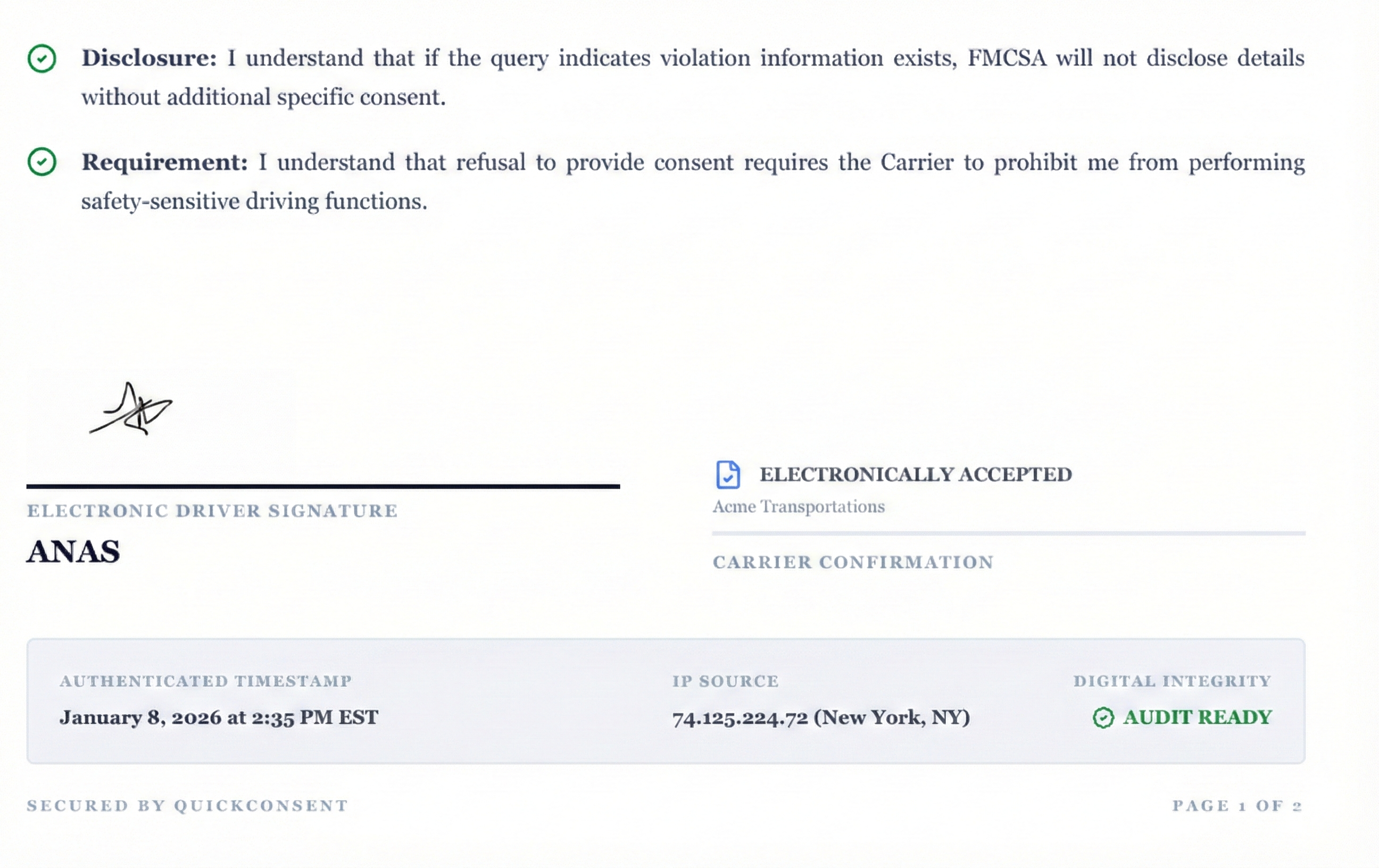
Evidence #2: IP & Timestamp
Metadata proving exactly when and where the signature occurred.
3Regulatory Precision (49 CFR § 382.701)
Generic templates often use vague language like "I agree to a background check." That is invalid.
Our forms are built as Standardized Compliance Documents that explicitly cite 49 CFR § 382.701(b). We also include the mandatory Disclosure text, ensuring the driver understands that if a violation is found, details won't be released without further consent.
4Optional: Visual Verification (CDL Capture)
Identity fraud is a growing concern. Sometimes, a signature isn't enough assurance.
QuickConsent puts you in control. When sending a request, you can toggle "Require CDL Upload." If enabled, the driver must snap a photo of their Commercial Driver's License using their phone camera before they can sign.
- Disabled: Fastest signing experience (30 seconds).
- Enabled: Maximum security. Visual proof of the driver holding their license.
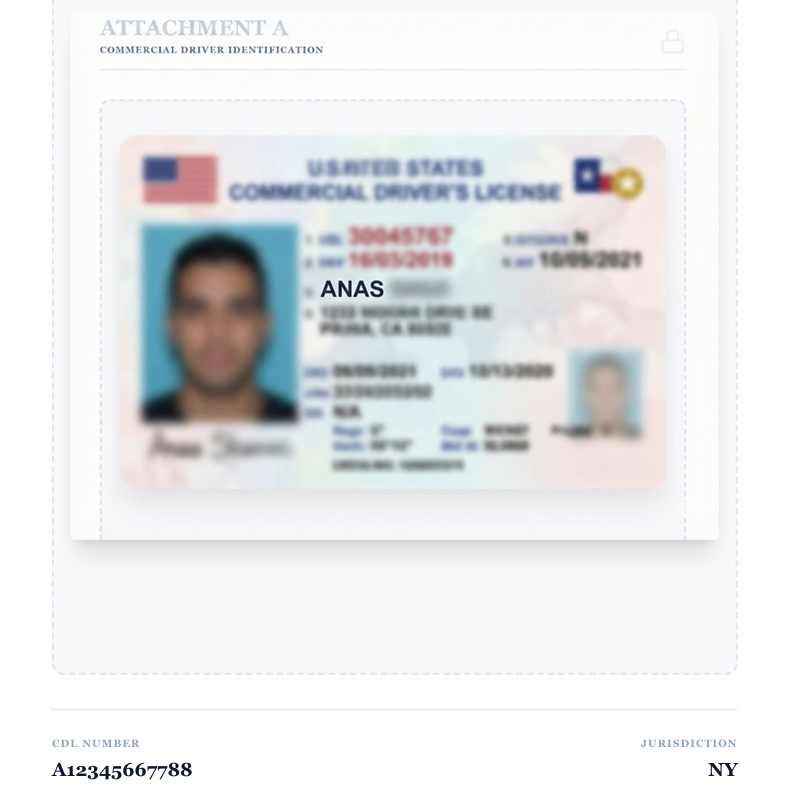
Evidence #3: Visual ID Check
Optional Attachment A stitches a photo of the ID directly into the PDF.
Conclusion: Stop Chasing Paper
You have enough to worry about with maintenance, hours of service, and dispatch. You shouldn't be losing sleep over whether a piece of paper is "compliant enough."
Get Audit-Ready in 60 Seconds
Send a secure link. Get a digital signature. Pass the audit.
Start Screening FreeNo credit card required for first 3 credits.